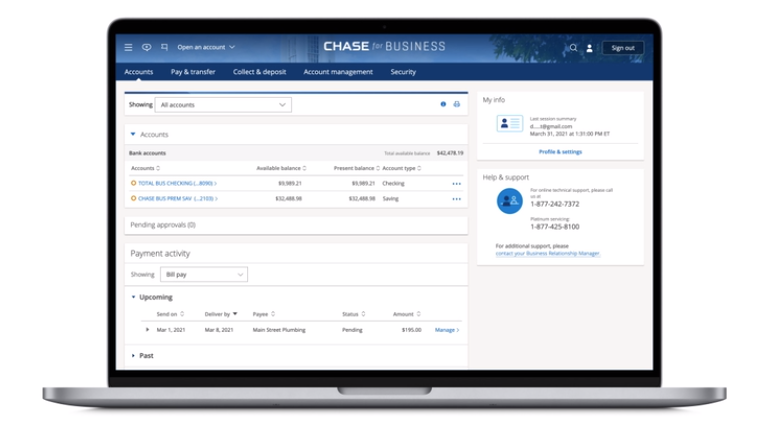
Linking Chase Business and Personal Credit Cards
One of the advantages of Chase Ultimate Rewards is that you can combine points you earn from multiple credit cards. That includes personal and business Chase cards. You can also combine points with family members, but that got just a bit harder recently.
So for example you can earn 5X at office supply stores using your Chase Ink Business Cash card and then redeem for travel with Points Boost with your Chase Sapphire Preferred or Chase Sapphire Reserve for example.
So how can you combine your Chase Ultimate Rewards? The easiest option it to have all your cards under one login. To do that, you need to add your personal login to your business one.
Why Link Chase Business and Personal Credit Cards?
Before going into the steps of how to do it, here are some reason on why you should do it:
- You can easily combine all your Chase Ultimate Rewards points under one account.
- It’s just easier to manage all your cards if you have them under one login.
- You can quickly see all Chase Offers that are available on each credit card
How to Link
Here’s how to link your business and personal Chase credit cards under one login:
- Log in to your Chase Business account (this will be your login for all cards going forward)
- Click the “person icon” near top right corner
- Choose “Profile & settings”
- On the left side menu, under “Account settings”, choose “Manage linked accounts”
- Click “Show my accounts”
- You will see a list of all Chase Personal and Business accounts for your SSN which you can link to your primary Business account
- Click “Link relationship” and then click again “Link relationship” to confirm
There are some things to keep in mind:
- You have to add personal card account to your business login, it doesn’t work the other way around
- If you want to unlink account, you need to call in (800-242-7338)
- To link for transfers to other household members, you need to call or send a secure message online
Publisher: Source link